Photographing Fireworks Across the Bay
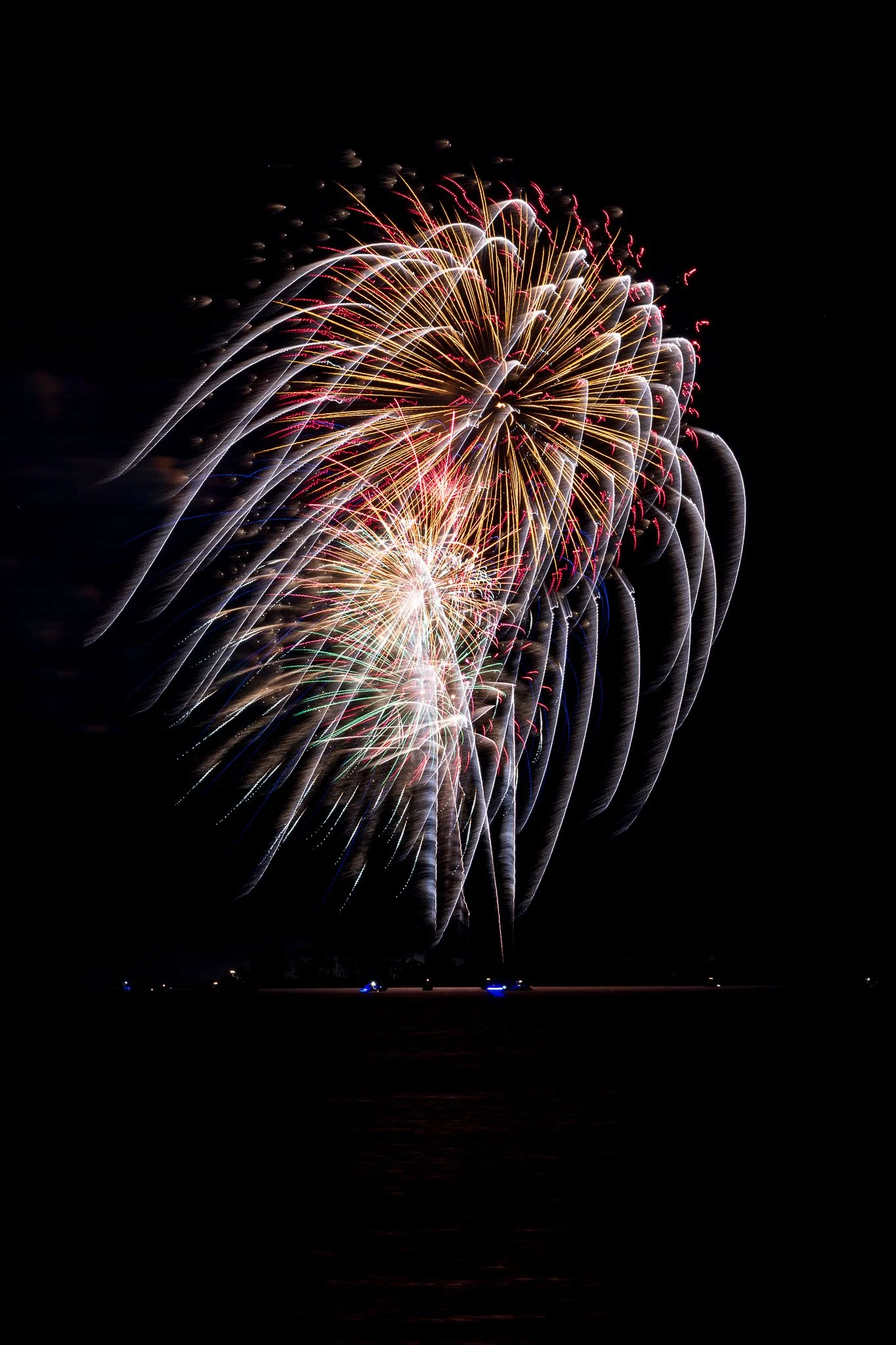
With the upcoming Independence Day celebration marking the 250th birthday of the United States, fireworks will be on display across America. In my county, fireworks events are scheduled at different locations throughout the area, which gives photographers several chances to practice.
On Wednesday night, fireworks were set off across the bay at Kent Narrows Ferry Point Park. From my community pier, I had a great location to capture the show with my camera. The night was windy which helps to blow away any lingering firework smoke. However, this caused the water to be choppy and didn’t give us an opportunity to show the reflections of the fireworks on the water.
Any digital camera can work well for fireworks photography, especially if it allows you to use manual exposure settings or Bulb mode. For this shoot, I used my Canon R5 with a 70-200mm lens. Because of the distance across the water, most of my photos were taken at the 200mm focal length.
Here are a few tips you can use to photograph fireworks with your digital camera.
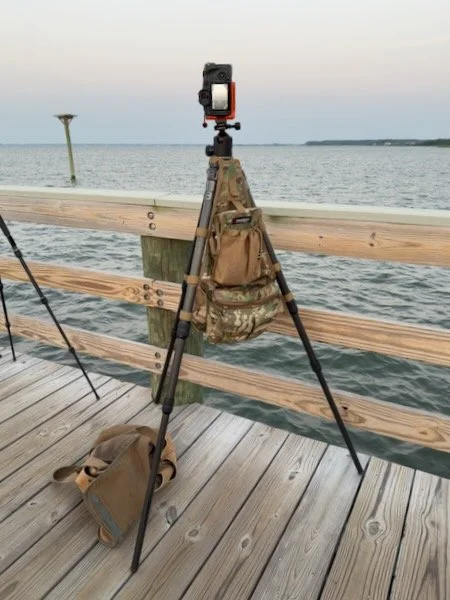
1. Use a Tripod
Fireworks photography usually requires long exposures of several seconds. Since the shutter is open for a longer period of time, even a small amount of camera movement can make the image blurry. A tripod gives your camera a steady platform and helps keep the background, horizon, and fireworks trails sharp.
For this shoot, I also used my tripod caddy to keep small accessories close at hand. When working in the dark, it helps to stay organized so you are not searching through your bag once the fireworks begin. A small red light is also useful because it allows you to see your camera controls, cable release, or accessories without ruining your night vision the way a bright white flashlight would.
2. Set Your Focus in Advance
Autofocus can struggle in the dark, especially when the sky is mostly black and the fireworks have not started yet. Arrive early and focus on something near the same distance as the fireworks. This could be a distant shoreline, building, light pole, tree line, or another object close to where the fireworks will appear.
Once your focus is set, switch your lens to manual focus. This prevents the camera from hunting for focus every time you press the shutter. Do not assume that simply turning the lens to infinity will always give you the sharpest result. Some lenses focus slightly past infinity, and temperature or lens design can affect the exact focus point. It is better to focus carefully in advance and then leave it alone.
3. Turn Off Image Stabilization
If your lens or camera has image stabilization, consider turning it off when using a tripod. Image stabilization is designed to compensate for small movements when handholding the camera. On a stable tripod, however, some stabilization systems may continue looking for movement that is not there, which can potentially soften the image.
Some newer cameras and lenses can automatically detect tripod use, but turning stabilization off is still a good habit to consider for long-exposure night photography.
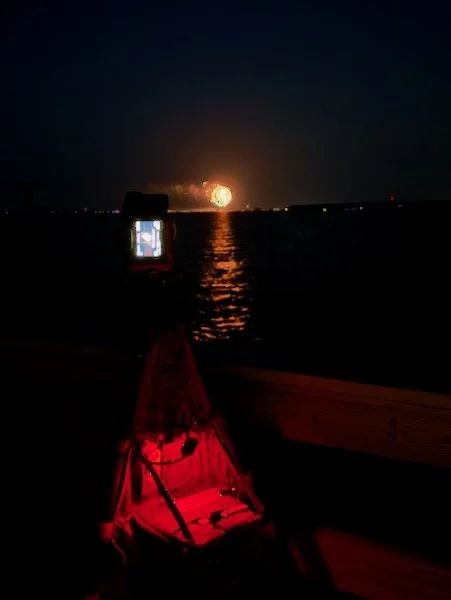
4. Use a Remote Shutter Release
A remote shutter release allows you to take the photo without touching the camera. This is helpful because pressing the shutter button by hand can cause a small vibration, especially during a long exposure.
A simple wired or wireless remote works well. Many modern cameras can also be controlled using a smartphone app. Just make sure everything is connected and tested before the fireworks begin. The middle of the show is not the best time to troubleshoot a phone connection or camera setting.
5. Start With Simple Exposure Settings
A good starting point for fireworks photography is:
ISO 100
Aperture: f/8 up to f/16
Shutter speed: 3 to 4 seconds, or Bulb mode
Fireworks are much brighter than they look, so you usually do not need a high ISO. Keeping the ISO low helps reduce noise and keeps the colors cleaner. An aperture of f/8 or f/16 gives you good depth of field and helps prevent the fireworks from becoming overexposed.
Bulb mode is a camera setting that keeps the shutter open for as long as you hold down the shutter button or remote release. This gives you more control over the timing of each exposure. You can open the shutter as the firework launches and close it after the burst has finished. If you do not want to use Bulb mode, try manual exposure with a shutter speed around 3 or 4 seconds and adjust from there.
6. Time the Shot
Fireworks photography is partly about timing. One approach is to start your exposure when you first see the rocket launch into the air. This can capture the light trail as it rises, followed by the explosion in the sky. Close the shutter after the burst has fully opened.
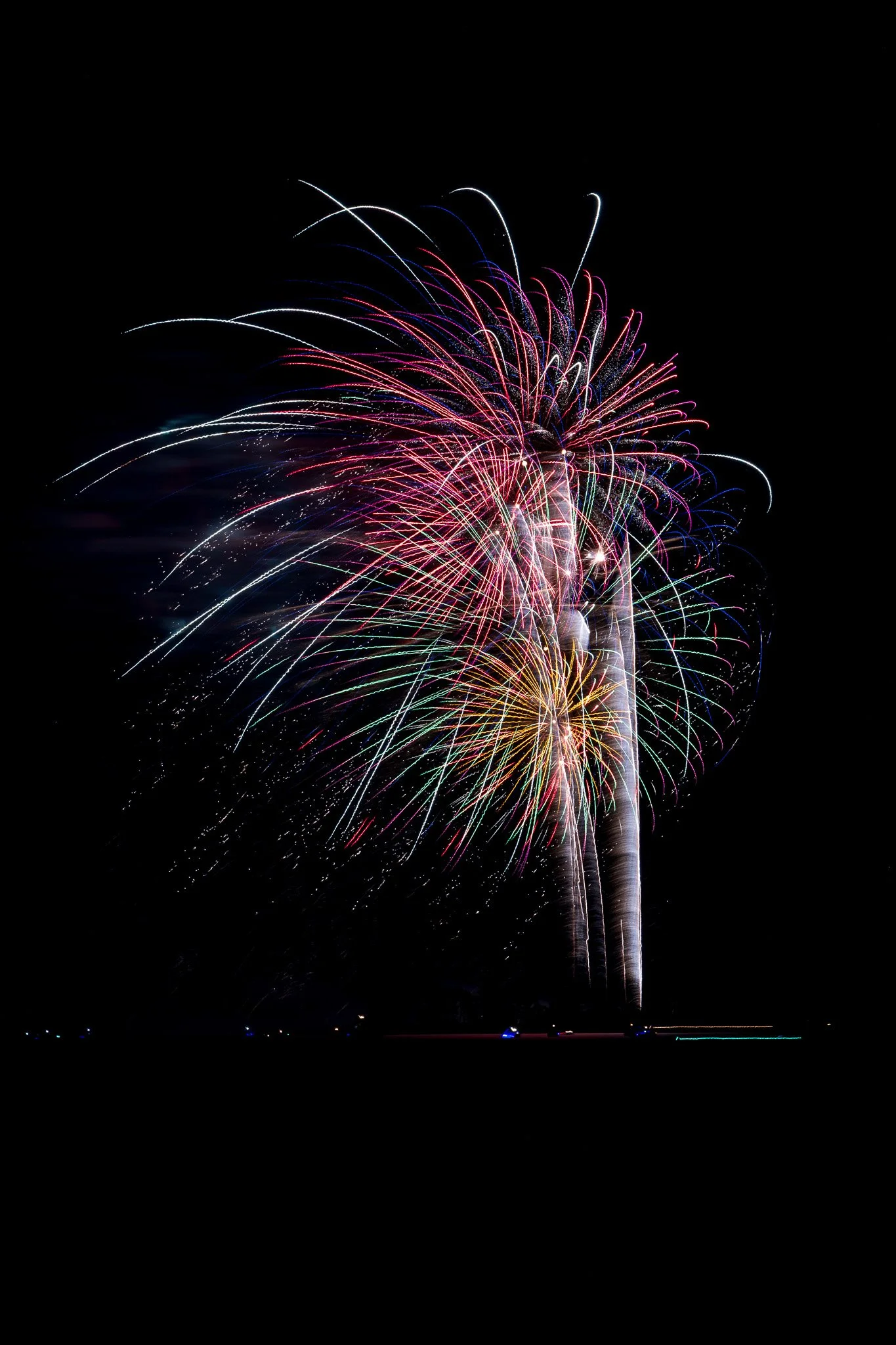
If your exposure is too short, you may miss the full shape of the firework. If it is too long, you may capture too many bursts at once, which can make the image look cluttered or overexposed. After a few shots, check your images and adjust your timing.
7. Watch Your Composition
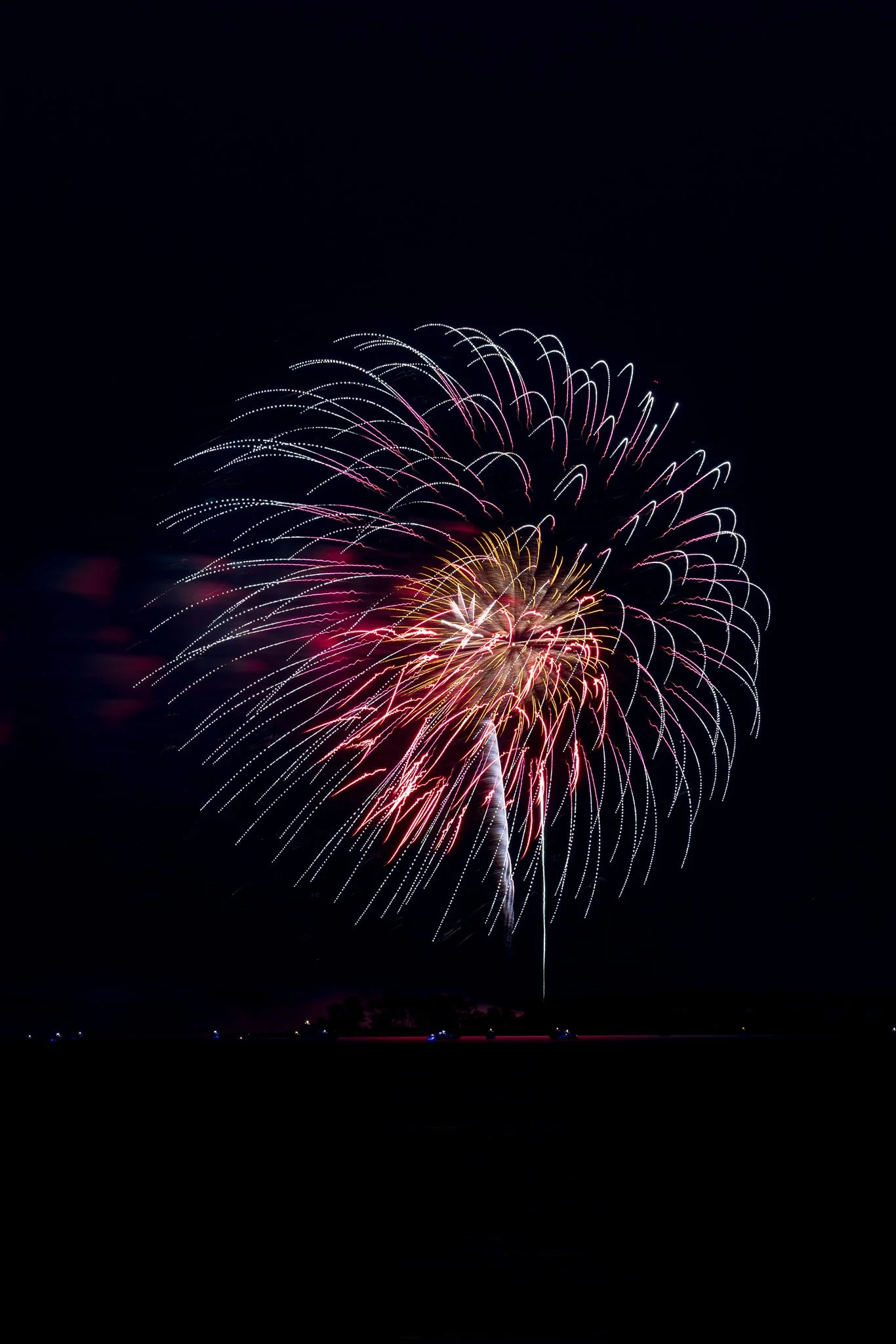
Before the fireworks begin, think about your composition. Include enough sky so the bursts have room to open. If you are photographing across water, a shoreline or reflection can add context and make the image more interesting. Try to keep your horizon level, especially when shooting from a pier or along the water. I shot most of my photos with more space above and below. You can then crop tighter as needed in post processing.
Once the fireworks begin, resist the urge to constantly move the camera. It is easy to chase each burst around the sky and end up with inconsistent framing. Start with a wider composition until you see where the fireworks are appearing, then adjust if needed.
8. Bring Extra Batteries and Memory Cards
Long exposures, live view, and remote camera apps can use more battery power than expected. Make sure your battery is fully charged and bring a spare if you have one. Also check your memory card before you leave home. Fireworks shows do not last long, so you do not want to run out of space halfway through the display.
9. Review, Adjust, and Keep Shooting
After the first few fireworks, take a quick look at your images. Check your exposure, focus, and framing. If the fireworks are too bright, try a smaller aperture such as f/11 or f/16, or shorten your exposure time. If the images are too dark, try a slightly longer exposure.
Fireworks are unpredictable, so take plenty of photos. Some frames will have awkward timing, smoke, or bursts that overlap in distracting ways. But when the timing, exposure, and composition all come together, fireworks can create beautiful and colorful night photographs.
Processing Your Fireworks Photos
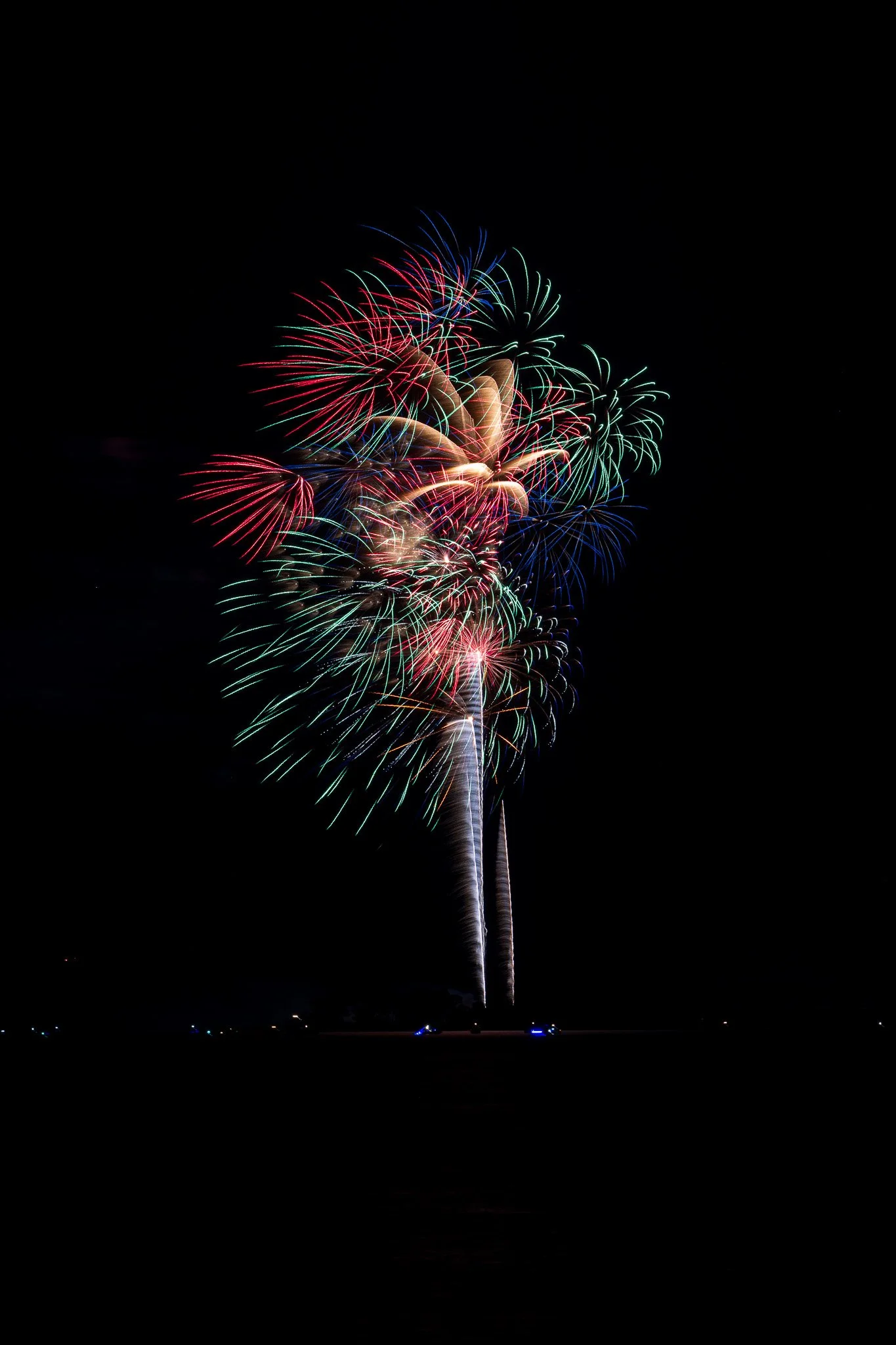
Once you are home, the next step is reviewing and processing your images. I currently use Lightroom to process and manage my photos, but the same basic adjustments can be done in many other photo editing programs.
The first thing I check is exposure. Fireworks are very bright, so it is easy to overexpose the bursts or lose detail in the color. I look at the sky and the fireworks to see if any areas are too bright. If needed, I reduce the highlights or overall exposure slightly to bring back detail.
Next, I check the blacks and contrast. A darker sky usually helps the fireworks stand out. Increasing the blacks or adding a little contrast can help separate the bright fireworks from the night sky. Be careful not to push it too far, though, or you may lose detail in the surrounding scene, reflections, or shoreline.
I also make sure the horizon is straight. This is especially important when photographing across water, where a tilted horizon can be very noticeable. I will rotate or crop the image as needed to clean up the composition. Sometimes a tighter crop can also remove empty sky or distractions along the edges of the frame.
Smoke can also be an issue when photographing fireworks. As the show goes on, smoke from earlier bursts can build up and drift through the scene. In Lightroom, the Dehaze tool can help reduce the appearance of smoke and add clarity to the sky. Use it carefully, because too much Dehaze can make the image look unnatural or overly processed.
A few other adjustments can help improve the final image. Slightly increasing vibrance can bring out the color in the fireworks without making the image look too saturated. Adjusting white balance can also change the mood of the photo. A cooler white balance may make the night sky feel deeper, while a warmer setting may enhance reflections or foreground lights.
You may also want to remove small distractions, such as sensor dust spots, stray lights, or tiny unwanted fireworks trails near the edge of the frame. These small cleanup steps can make the final photo feel more polished.
Creating a Fireworks Composite
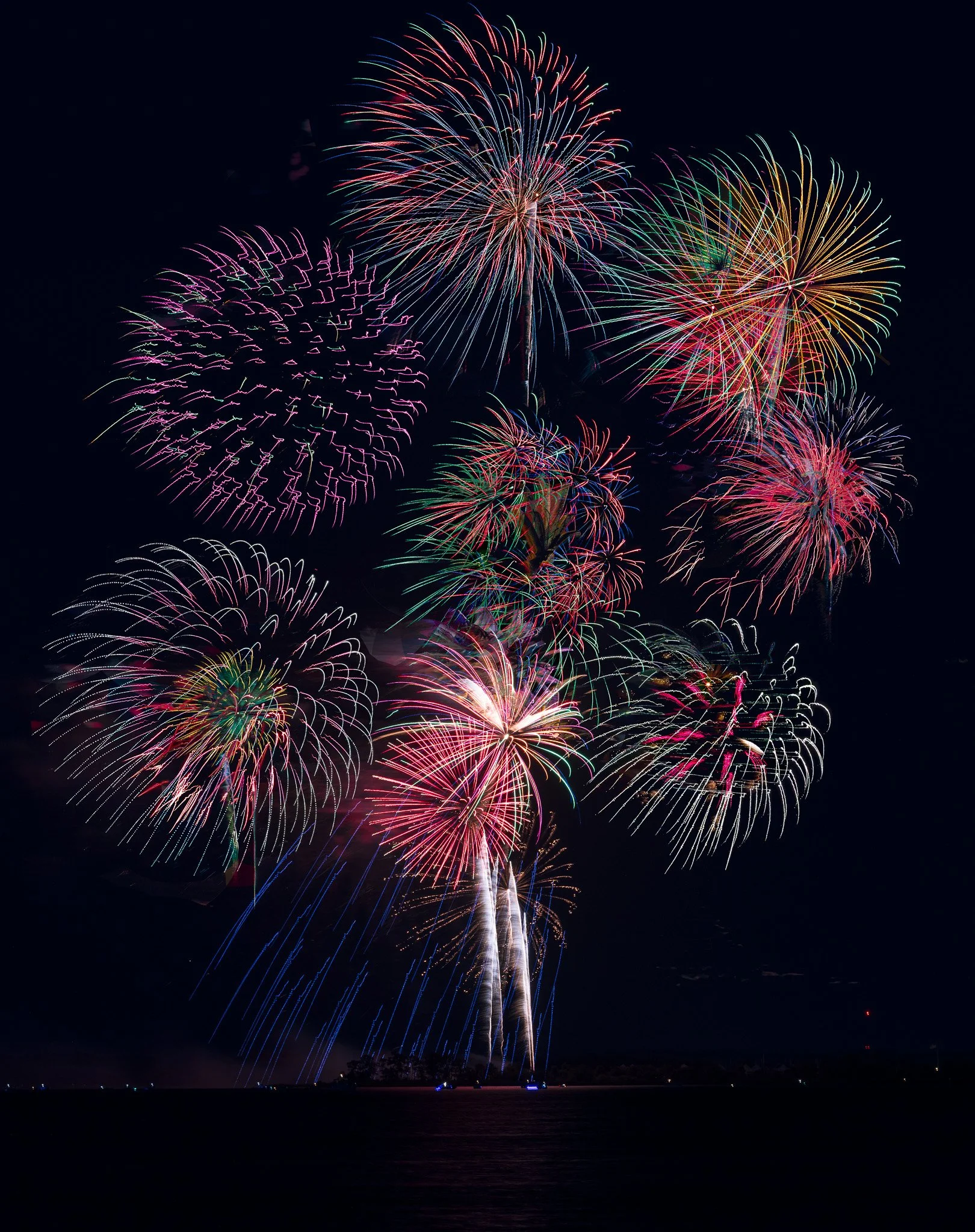
Another creative option is to use Photoshop to create a composite image from multiple fireworks photos. This allows you to combine several bursts into one final image.
To do this, start by choosing a strong base image. This might be the photo with the best foreground, shoreline, reflection, or overall composition. Then add other fireworks images as separate layers on top of the base image. Because fireworks are photographed against a dark sky, you can often use a lightening blend mode, such as Lighten, to allow the bright fireworks from each layer to show through while keeping the darker sky mostly hidden.
After adding the layers, you can use layer masks to control which fireworks appear in the final image. This lets you remove unwanted smoke, extra light trails, or bursts that overlap in a distracting way. The goal is to create an image that feels full and dramatic while still looking believable.
When making a composite, it helps if all of the images were taken from the same tripod position. This keeps the horizon, foreground, and background lined up from frame to frame. If the camera moved during the show, you may need to align the layers manually.
There are many tutorials available that show this technique step by step. The basic idea is simple: choose a base image, stack additional fireworks images as layers, use a blend mode to reveal the bright bursts, and then mask or adjust each layer until the final image looks natural.
Here are some sample links:
https://www.youtube.com/watch?v=-6_kQumqCQc
https://www.youtube.com/watch?v=jjOru_q5DuY
Processing is where you can turn a good fireworks photo into a stronger final image. Whether you keep the photo as a single exposure or create a composite, the goal is the same: bring out the color, contrast, and excitement of the fireworks while keeping the image clean and believable.
Final Thought
Photographing fireworks is a great way to practice manual camera settings, long exposure techniques, and timing. With a tripod, a remote release, a little planning, and a willingness to experiment, you can come away with images that capture the excitement of the celebration.