Scanning Film Negatives
My recent project to start photographing with film again has produced several rolls of negatives. So far, I have been shipping my film out to be developed and scanned by two different vendors: The Darkroom and Nice Film Club.
I have been using both services as a way to test which one I like best. The Darkroom has been the less expensive option, and the film developing itself has worked well. However, I have not been as happy with the quality of the scans. Nice Film Club is more expensive, and the scans have been a little better, but they still require work afterward.
After receiving negatives back from both vendors, I decided to try scanning some of them myself at home using my Epson V600. The difference was immediately noticeable. The quality I was able to get from my own scans was far superior to the lab scans.
Here is a black-and-white image scanned by The Darkroom compared to the same negative scanned at home with my Epson V600.
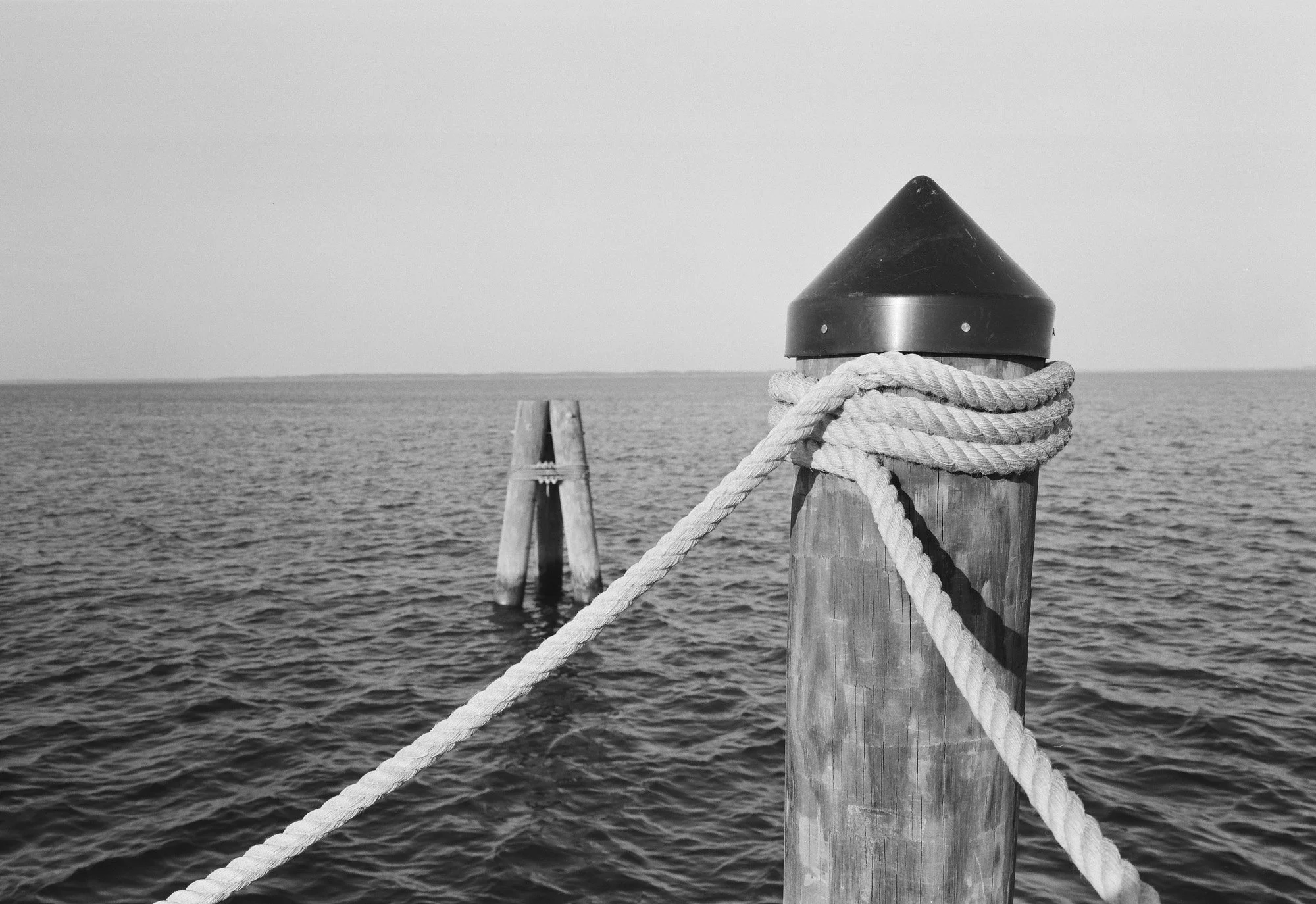
Scan from The Darkroom - Ilford HP Plus 400 B&W film
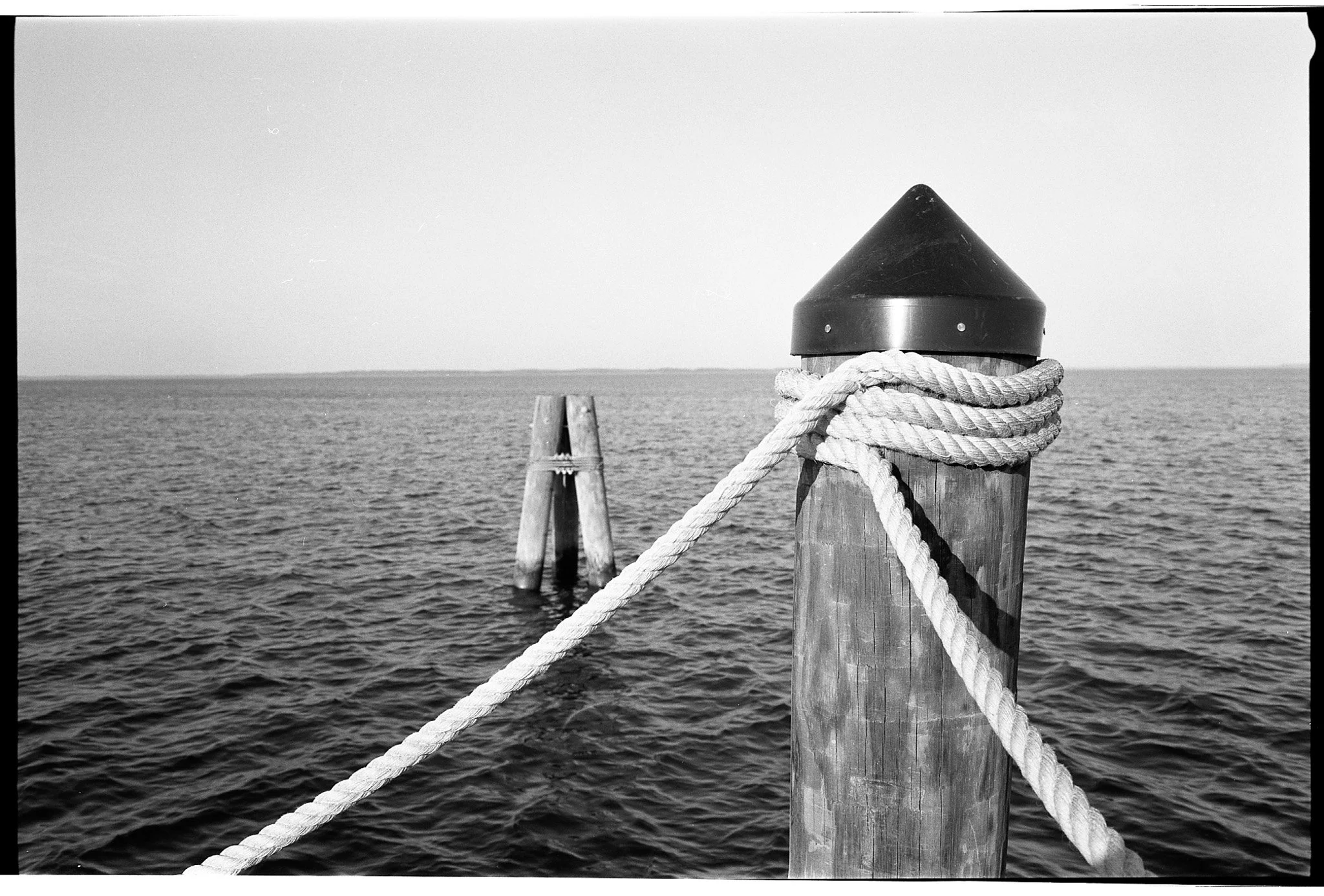
Scan from Epson V600 - Ilford HP Plus 400 B&W film
The lab scan gives me a useful preview of the image, but the Epson scan gives me much more control over the final result. In both cases, the scans from the labs still require additional work in Lightroom to increase contrast, bring out detail, and get the image closer to the look I want.
Another advantage of scanning at home is that I can choose exactly how much of the negative to include. For example, I can scan the entire 35mm negative and show the sprocket holes. This is especially interesting when shooting 35mm film in a medium format camera, because the image extends across the full width of the film. I love the look of this kind of sprocket photography. It gives the image a different character and makes the film itself part of the final presentation.
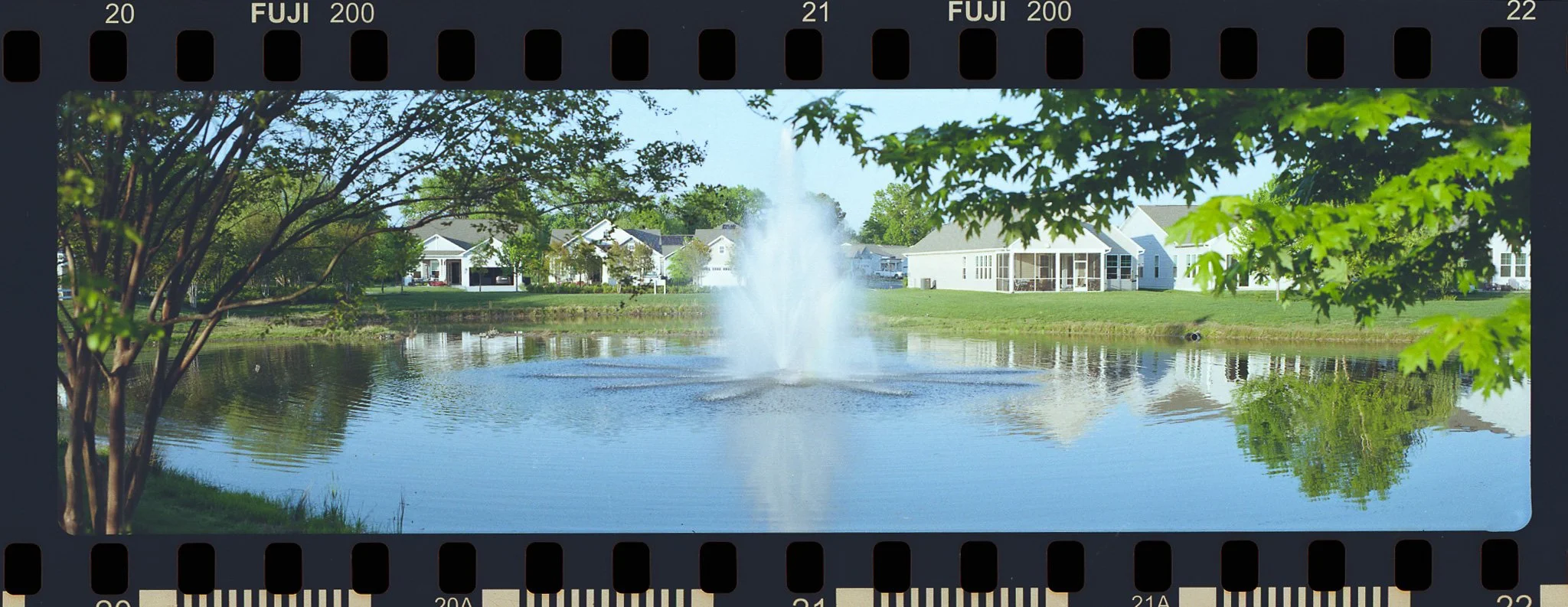
35mm film shot on my Fuji GSW960 III medium format camera using the 120 film adapter and framing plate
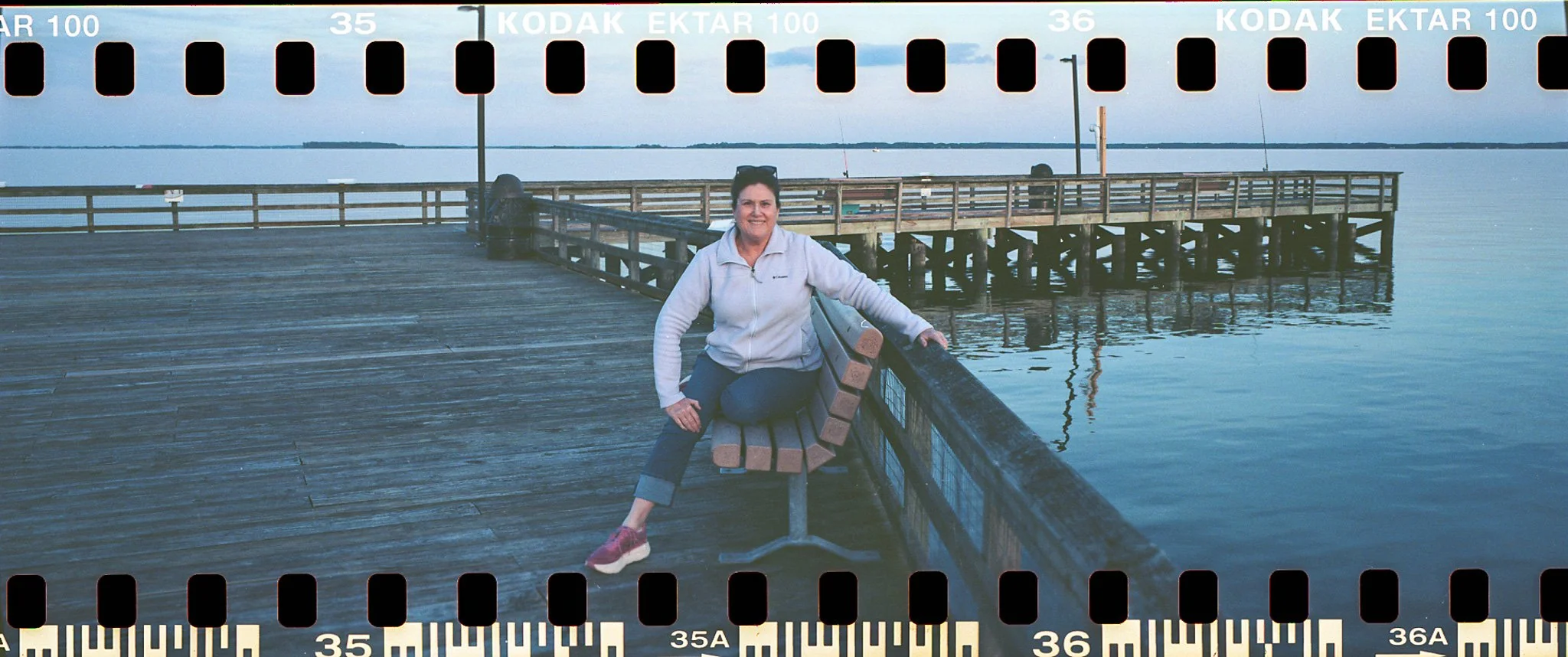
35mm film shot on my Fuji GSW960 III medium format camera using the 120 film adapter without the framing plate
At this point, I may continue testing additional film processing labs that can handle both 35mm and 120 film. Even though I prefer the quality of my own scans, I still want the processing lab to provide lower-resolution scans. Those scans work like a digital contact sheets, allowing me to quickly review the roll and decide which images are worth scanning myself at a higher quality.
For now, the process that seems to work best for me is to let the lab handle the developing and basic scans, then use my Epson V600 at home for the images I want to finish properly. It takes more time, but the added control and final image quality make it worth the effort.